

Remove backgrounds from images instantly
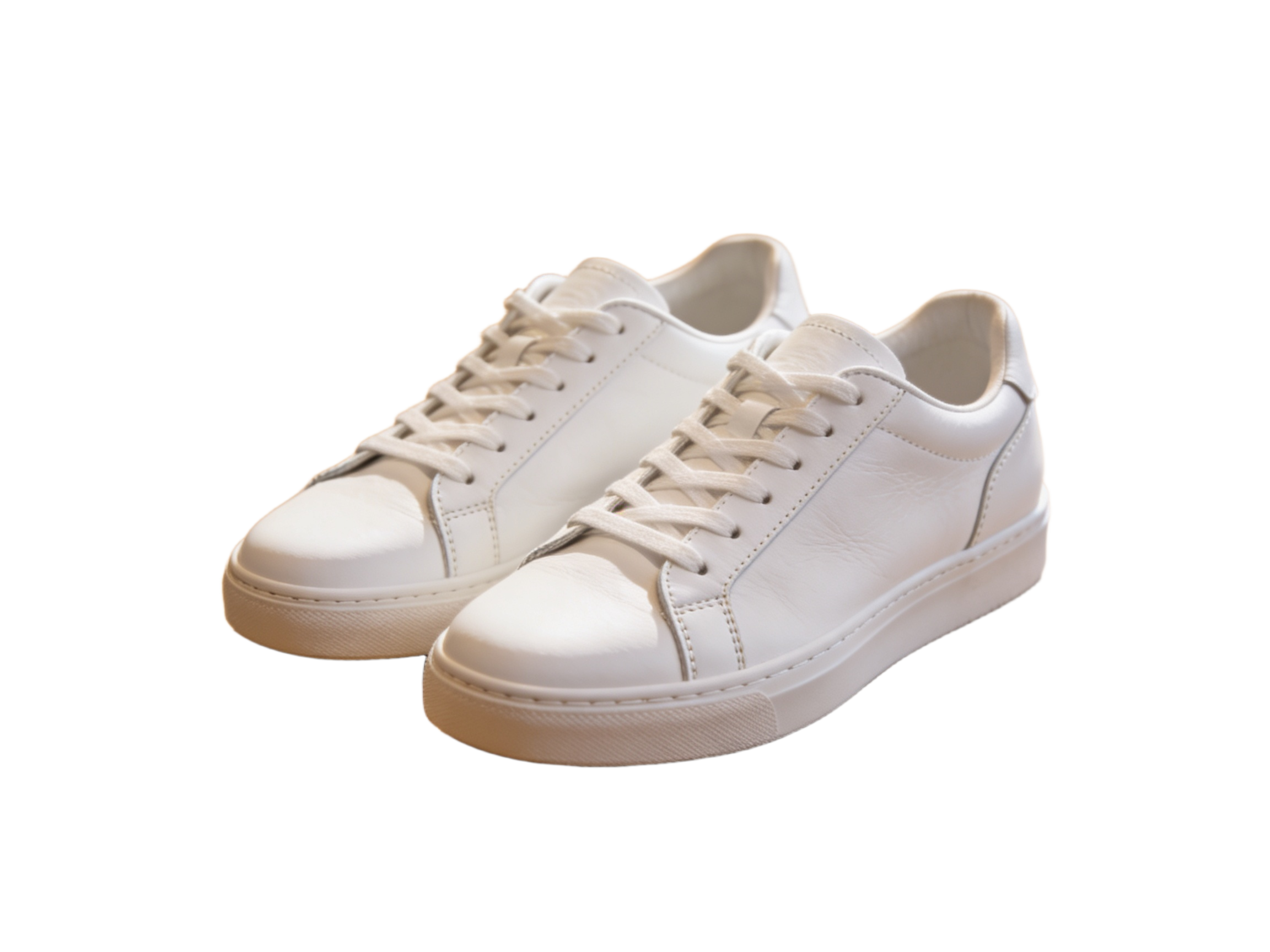
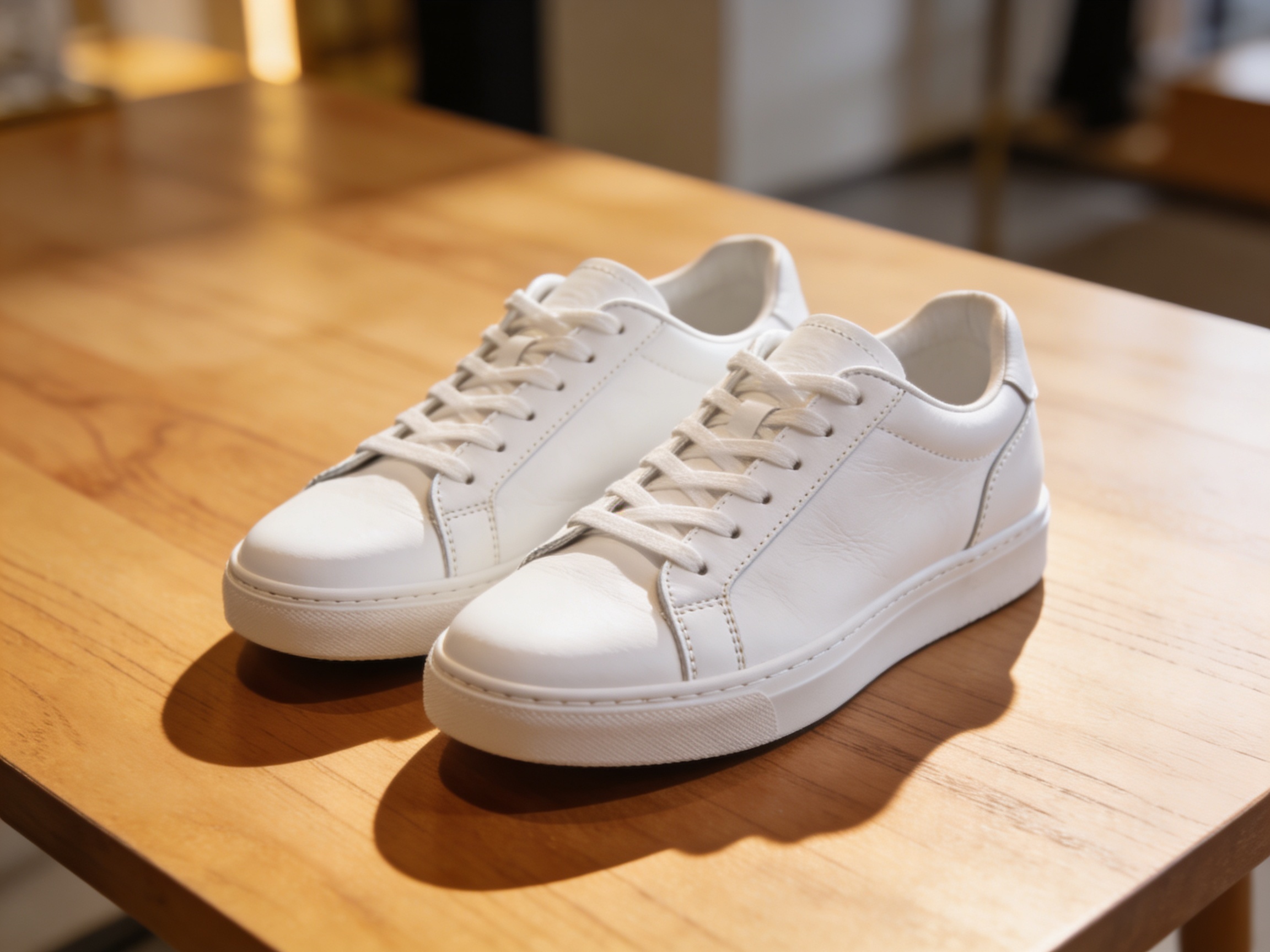
Drag to compare • Upload your image to start
AI Background Remover for Clean, Reusable Cutouts
Separate the main subject from its surroundings and download a transparent PNG that is ready for a product page, portrait layout, presentation, thumbnail, or social graphic. Krea2 handles the first cutout automatically, so you can spend more time on placement and design.
Automatic Subject Isolation
Upload one image and Krea2 identifies the likely foreground subject, separates it from the scene, and prepares a cutout without manual tracing.
Edges Built for Real Subjects
The model evaluates object boundaries and soft transitions around details such as hair, fur, fabric, and thin accessories instead of relying on a simple color selection.
Transparent PNG Delivery
The downloaded PNG includes transparency, making it easier to place the subject over a white background, brand color, photo, slide, or design canvas.
Product Photos That Fit More Channels
A reusable cutout helps one approved product photo adapt to storefronts, marketplaces, campaigns, and seasonal creative without reshooting the item.
- • Place a product over white or another required color for a cleaner listing presentation
- • Reuse the same cutout in detail cards, comparison graphics, banners, and promotional tiles
- • Build lifestyle compositions by adding an appropriate new scene in your preferred design tool
- • Keep product scale and placement consistent across a catalog after the background is removed
Cutouts for Marketing and Everyday Content
Transparent subjects are useful beyond online stores. They can move between layouts without carrying the colors or clutter of the original scene.
- • Create profile images, team cards, speaker slides, and headshot-based announcements
- • Arrange people or objects inside thumbnails, posters, social graphics, and ad concepts
- • Add a cutout to a presentation without a rectangular photo background covering the slide
- • Prepare a transparent asset for later use in a website builder, editor, or print layout
How Krea2 Separates Subject and Background
Background removal combines subject recognition with boundary estimation to decide which image areas should remain visible and which should become transparent.
- • The model first identifies the main foreground subject from the wider scene
- • It evaluates the boundary around the subject rather than deleting one background color
- • Soft edge values help represent anti-aliasing and partially transparent boundary pixels
- • Krea2 packages the visible subject and transparency information in the downloaded PNG
Get Better Results from Difficult Images
Automatic cutouts depend on the source. A few practical choices can make the subject easier to separate and reduce cleanup in the next design step.
- • Use a source with clear focus, useful lighting, and visible contrast around the main subject
- • Avoid heavy motion blur or a subject whose colors and texture fully blend into the background
- • Inspect hair, fur, glass, shadows, and very thin objects against both light and dark backgrounds
- • If the boundary is not suitable, try a clearer source or refine the PNG in an image editor
AI Background Remover Questions, Answered
How do I make an image background transparent?
Upload a JPG, PNG, or WebP file, then run the background remover. Krea2 detects the main subject and converts the surrounding area to transparency. Review the cutout in the result panel and download it as a PNG. You can then place that PNG over a color, photo, or layout.
Does AI background removal work with hair and fur?
It can handle many hair and fur boundaries because it estimates soft edge transparency rather than drawing only a hard outline. Results still depend on focus, lighting, contrast, and background complexity. Inspect wispy strands at full size, especially when the final design uses a strongly contrasting new background.
Which formats can I upload and download?
Krea2 accepts JPG, PNG, and WebP source images on this page. The processed cutout downloads as a transparent PNG because PNG can store an alpha channel for invisible and partially transparent pixels. Keep the original source as well if you expect to revise the mask or composition later.
Can I use the cutout for product photos or client work?
A transparent cutout can be used in listings, catalogs, ads, presentations, and client layouts when you have the necessary rights to the source image and subject. Removing a background does not grant new copyright, trademark, privacy, or publicity rights, so confirm those permissions for commercial publishing.
Will it work when the background is complex?
Often, but a complex scene is more challenging when background objects overlap the subject or share similar colors and textures. A sharp source with visible separation usually works better. After processing, check holes, thin accessories, shadows, and edge transparency; use a clearer source or manual refinement if needed.
How many Krea2 credits does background removal use?
A completed background removal uses 1 credit. You need to sign in and have an available credit before the task starts. The charge applies to processing the uploaded image; after the result is ready, use the download control to save the transparent PNG for your next design or publishing step.
Create a Transparent PNG in Krea2
Upload a product, portrait, or creative image, let Krea2 isolate the main subject, then review and download a reusable transparent PNG.
Simple, Transparent Pricing
Choose the perfect plan for your creative needs.
Free
Perfect for trying our Krea 2 image generator
- 6 credits per month
- 2 High quality AI image generations per month
- Standard Quality Images
Great for exploring!
Professional
For serious creators who need professional features
- 500 credits per month
- Up to 166 High quality AI image generations per month
- Up to 50 AI video generations per month
- Advanced Quality
- Every image you generate is 100% watermark-free
- Commercial use license
✓ Cancel anytime — no questions asked
Enterprise
For studios and teams creating at scale
- 5000 credits per month
- Up to 1666 High quality AI image generations per month
- Up to 500 AI video generations per month
- Advanced Quality
- Every image you generate is 100% watermark-free
- Commercial use license
✓ Cancel anytime — no questions asked
Model credit costs
With a reference video, credits are charged on output duration plus the total reference-video duration.