
Enhance your images to 2K, 4K, or 8K resolution
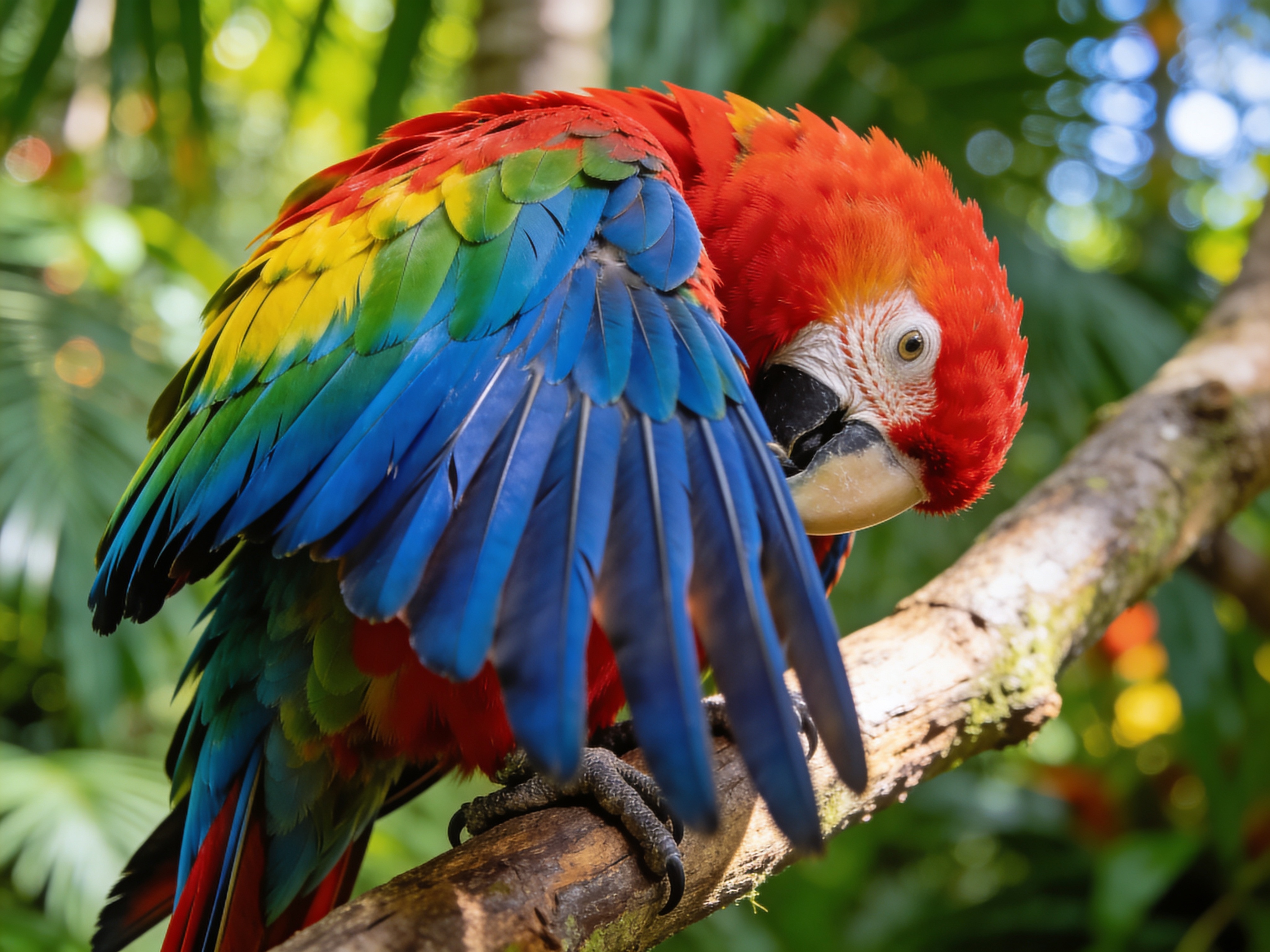
Drag to compare • Upload your image to start
AI Image Upscaler — Enhance Photos to 2K, 4K & 8K
Transform low-resolution images into stunning high-resolution output with our AI-powered image upscaler. Enlarge photos up to 8K without losing quality, preserving every detail and texture. Perfect for photographers, designers, e-commerce sellers, and AI art creators.
Up to 8K Super Resolution
Upscale images to 2K, 4K, or 8K resolution with AI that intelligently reconstructs fine details, textures, and edges for crystal-clear output.
Zero Quality Loss
Our AI model preserves the original character of your image while enhancing clarity. No blur, no artifacts — just sharper, cleaner results every time.
Instant Processing
Get upscaled results in seconds, not minutes. Upload your image, choose your target resolution, and download the enhanced version immediately.
Professional Use Cases
AI image upscaling is essential across creative and commercial workflows where resolution matters.
- • E-commerce product photos that need print-ready resolution for catalogs and banners
- • Photography workflows requiring large-format prints from standard digital captures
- • AI-generated artwork that needs higher resolution for professional display or sale
- • Social media content creators scaling images for platform-specific requirements
How AI Upscaling Works
Unlike simple interpolation that creates blurry results, our AI model understands image context and reconstructs missing detail.
- • Neural networks trained on millions of image pairs learn to predict missing high-frequency details
- • Edge-aware processing preserves sharp boundaries between objects and backgrounds
- • Texture synthesis regenerates realistic surface patterns like fabric, skin, and foliage
- • Color accuracy is maintained throughout the upscaling process with no color shift
Supported Formats & Output
Flexible input and output options for any workflow, from web publishing to print production.
- • Input formats: JPG, PNG, WebP — upload any common image format
- • Output formats: JPEG, PNG, or WebP — choose based on your needs
- • Three resolution tiers: 2K for web, 4K for display, 8K for print and large-format
- • Batch-friendly design — process multiple images with consistent quality
Image Upscaler vs Image Enhancer
Understanding the difference helps you choose the right tool for your needs.
- • Upscaling increases pixel dimensions — making a 1080p image into a 4K image
- • Enhancement improves visual quality — sharpening, noise reduction, color correction
- • Our AI upscaler does both: increases resolution while simultaneously enhancing detail
- • Best results come from starting with the highest quality source image available
Frequently Asked Questions About AI Image Upscaling
Which AI is best at upscaling images?
Modern AI upscalers using deep learning models deliver the best results. Our tool uses state-of-the-art super-resolution AI that outperforms traditional interpolation methods, preserving textures and adding realistic detail at 2K, 4K, and 8K output.
Does upscaling an image reduce quality?
Traditional upscaling (bilinear or bicubic interpolation) creates blurry results. AI upscaling is different — it uses neural networks to predict and reconstruct missing detail, producing output that looks naturally sharp without artifacts.
What image formats are supported?
You can upload JPG, PNG, and WebP images. Output is available in JPEG, PNG, or WebP format. PNG is recommended for images with transparency or when you need lossless quality.
How long does AI upscaling take?
Most images are processed in under 30 seconds. Processing time depends on the input image size and target resolution. 2K output is fastest, while 8K may take slightly longer due to the larger output dimensions.
Can I upscale AI-generated images?
Absolutely. AI-generated art from tools like Midjourney, DALL-E, and Stable Diffusion often benefits greatly from upscaling. The AI upscaler enhances the generated details and produces print-ready resolution output.
What is the maximum input image size?
Images are automatically compressed on upload if they exceed our processing threshold. There is no strict file size limit — our system handles the optimization to ensure the best upscaling results.
Start Upscaling Your Images Now
Join thousands of creators, photographers, and designers who use AI upscaling to deliver stunning high-resolution images. No subscription required — just upload and upscale.
Simple, Transparent Pricing
Choose the perfect plan for your creative needs.
🔥 LIMITED TIME: Get 10% OFF your payment with code KREA10 - Subscribe to Krea 2 today!
Free
Perfect for trying our Krea 2 image generator
- 6 credits per month
- 2 High quality AI image generations per month
- Standard Quality Images
Great for exploring!
Professional
For serious creators who need professional features
- 500 credits per month
- Up to 166 High quality AI image generations per month
- Up to 50 AI video generations per month
- Advanced Quality
- Every image you generate is 100% watermark-free
- Commercial use license
Most popular choice!
Enterprise
For studios and teams creating at scale
- 5000 credits per month
- Up to 1666 High quality AI image generations per month
- Up to 500 AI video generations per month
- Advanced Quality
- Every image you generate is 100% watermark-free
- Commercial use license
Best for teams!