

Blog
News, resources, and updates about Krea 2

Krea 3 Jacket Replacement: Keep the Face, Pose and Hands
Plan a Krea 3 jacket replacement using separate person and garment references. Check the collar, sleeves, hands and silhouette before sharing the result.
Read More

Krea 3 Facade Material Studies: Preserve Windows and Massing
Plan a Krea 3 facade material edit from one fixed view. Compare cladding options while checking window openings, rooflines, perspective and surface detail.
Read More
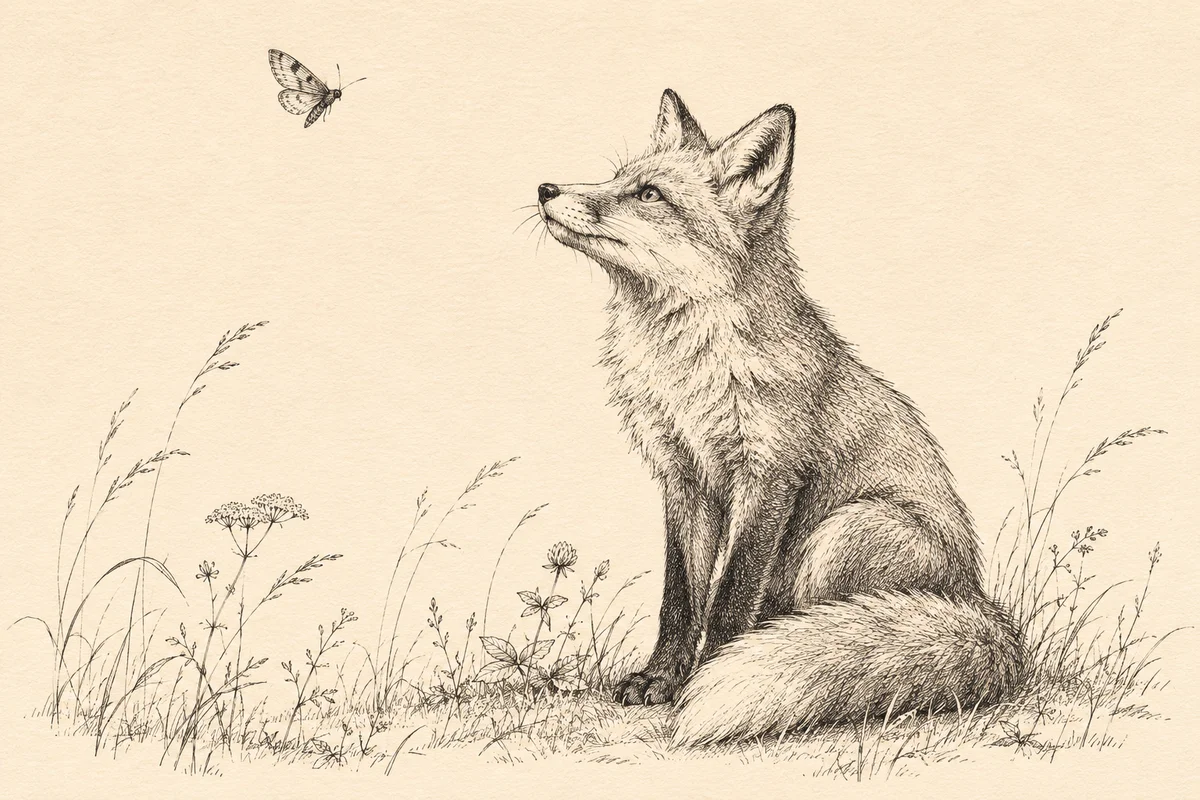
Krea 3 Ink Illustration Editing: Keep the Linework Consistent
Plan a focused Krea 3 ink illustration edit with clear linework, hatching and paper constraints. Check the added detail against the source before delivery.
Read More
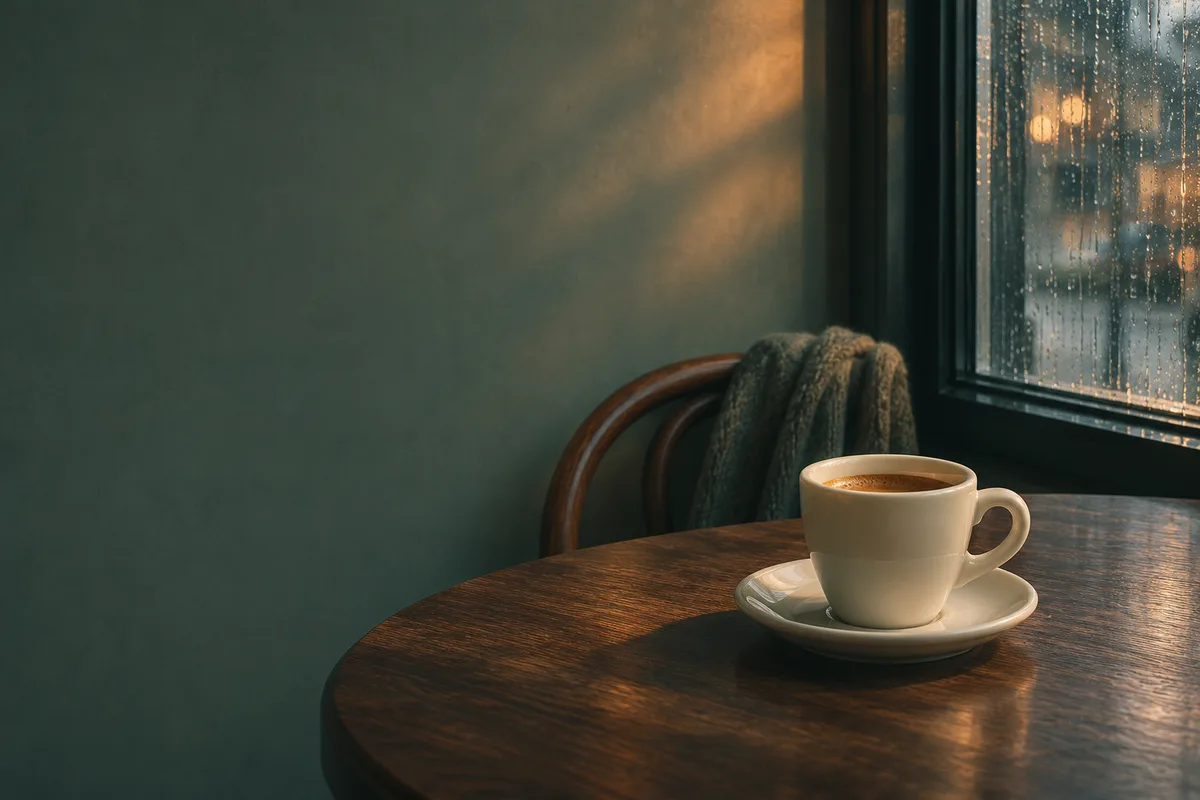
Krea 2 Film Photography Prompts for Website Images
Plan a Krea 2 film-style image with clear light, restrained grain, and room for copy. Review texture and crops at the size your website will display.
Read More
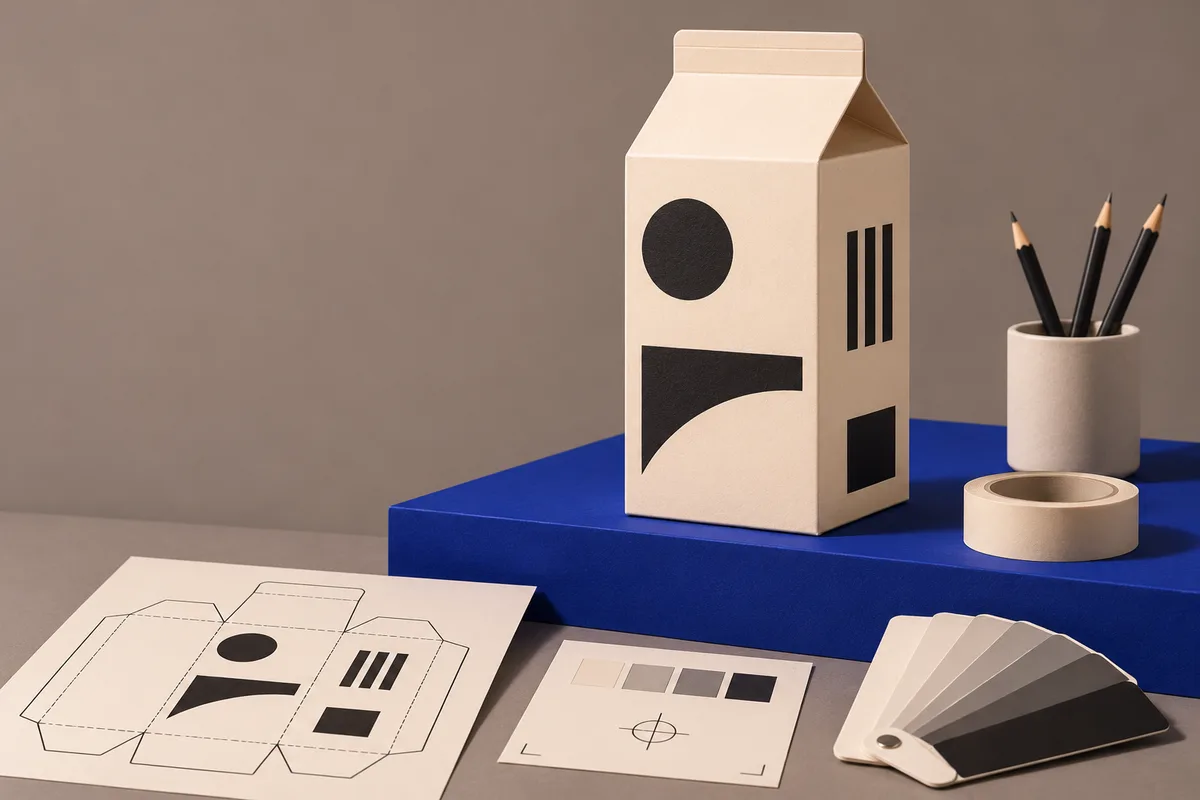
Krea 3 Packaging Photos: How to Keep Approved Artwork Intact
Use Krea 3 to plan a new packaging scene, composite the approved product photograph, and check the artwork before delivery.
Read More

Krea 3 Reference Images: How Many Do You Actually Need?
Build a small Krea 3 reference set, remove conflicting inputs, and add a photo only when it can resolve a visible error.
Read More

Krea 2 RAW vs Turbo: Which Checkpoint Should You Use?
Compare Krea 2 RAW and Turbo for training and inference, with a small evaluation plan and a checklist for deployment costs.
Read More
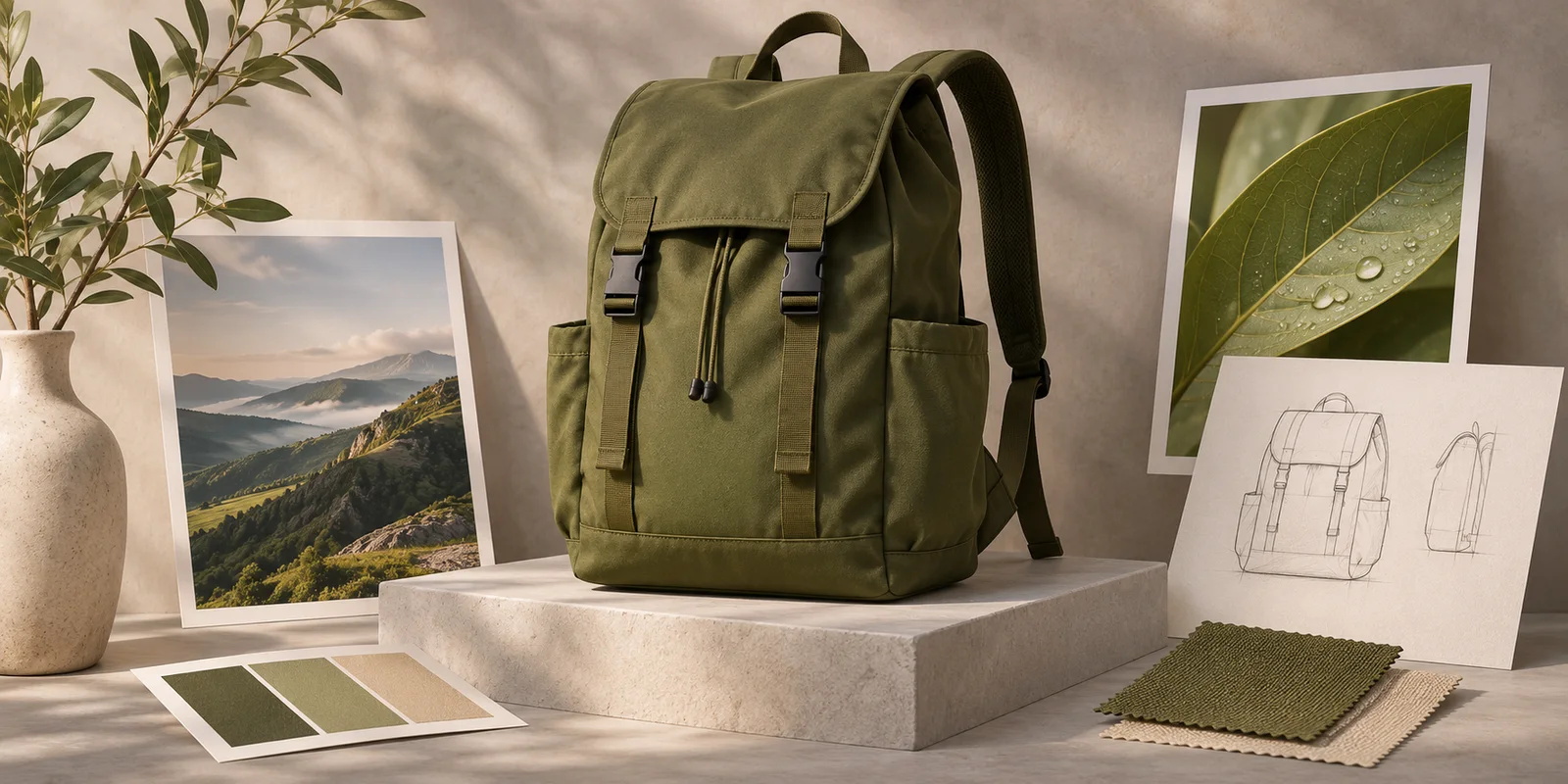
Krea 3 Product Angle Planning: When to Generate and When to Reshoot
Plan an alternate product angle from reference photos, check visible construction, and know when an ecommerce image needs a real reshoot.
Read More
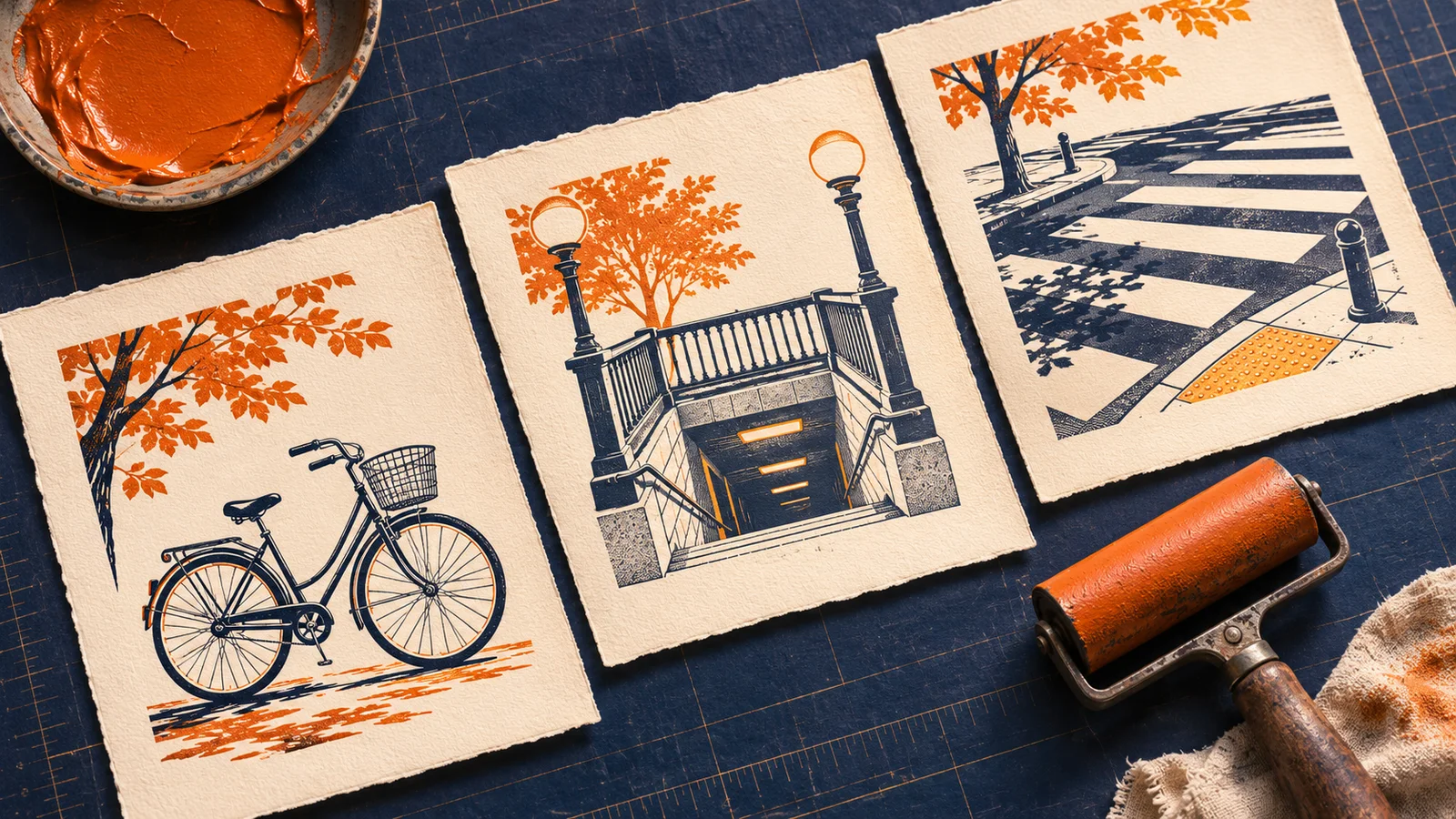
Krea 2 Editorial Spot Illustrations: Build a Cohesive Set
Plan a cohesive set of editorial spot illustrations with a shared style recipe, distinct subjects, and a quick check at final display size.
Read More
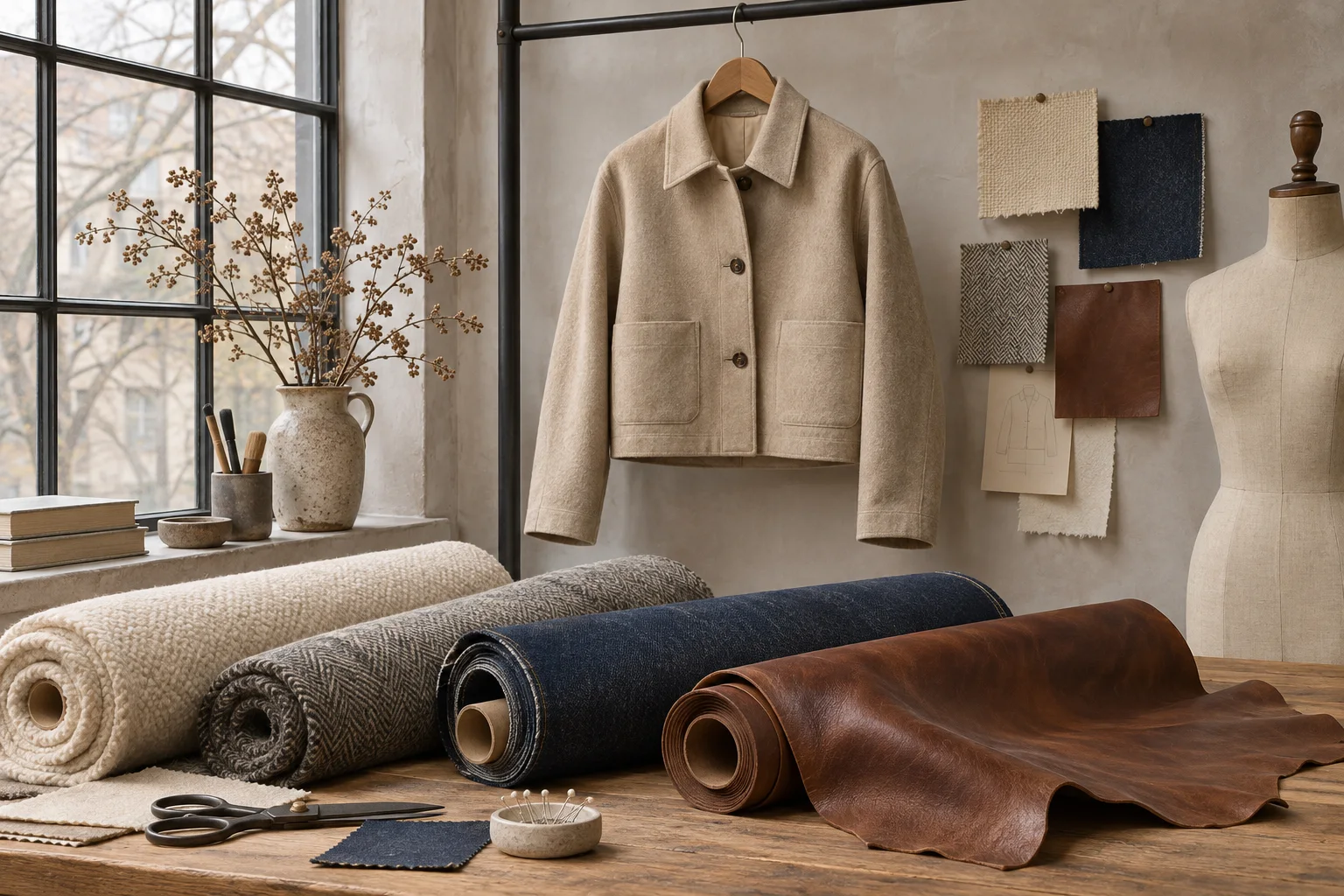
Krea 3 Garment Material Editing: Change the Fabric, Keep the Design
Plan a Krea 3 garment material edit with clear fabric references, construction constraints, and checks for texture, seams, buttons, and plausible folds.
Read More
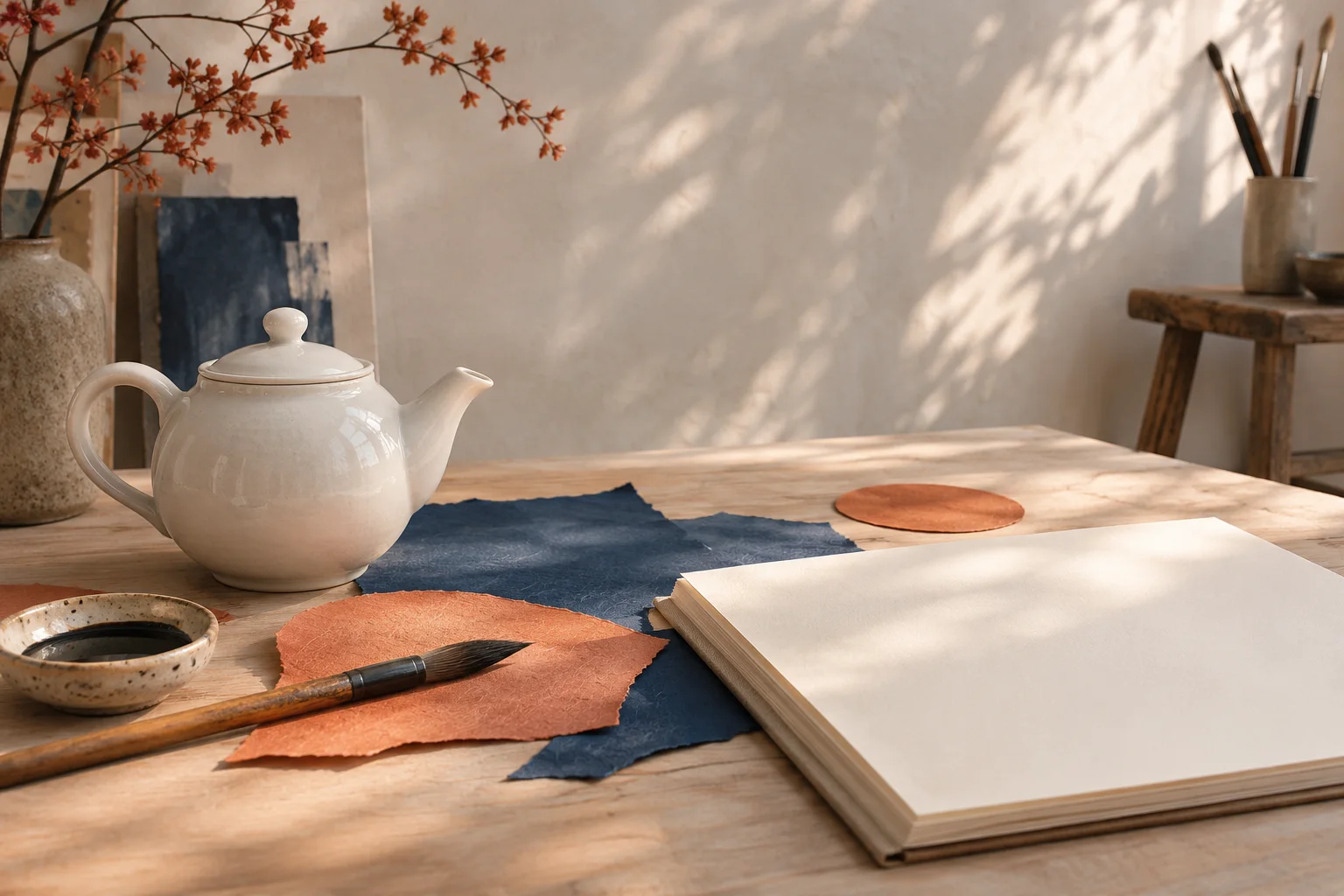
Krea 2 Creative Exploration: Choose an Art Direction Before Refining
Use a simple Krea 2 brief to explore visual directions, compare concepts against a clear rubric, and turn one promising idea into a focused refinement plan.
Read More

Krea 3 Furniture Replacement: Try a New Chair in an Existing Room
Plan a Krea 3 furniture replacement with separate room and chair references. Check perspective, contact shadows, occlusion, and room details before sharing.
Read More
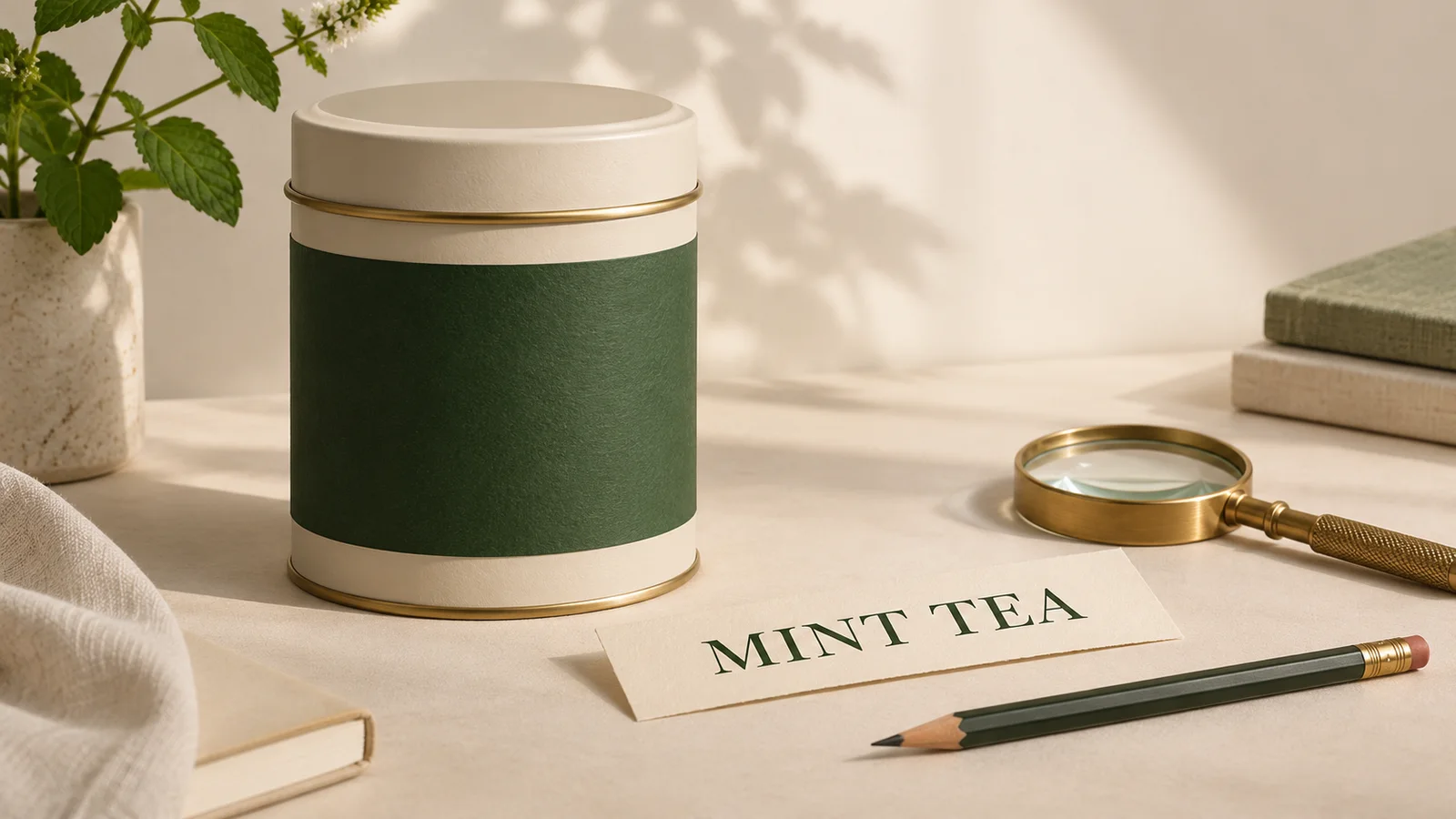
Krea 3 Text Editing: Update Labels and Check Every Word
Plan a focused Krea 3 label edit, separate exact copy from visual styling, and check spelling, placement, and product details before exporting.
Read More

Krea 3 Object Removal: Clean Up Distractions Without Rebuilding the Scene
Remove small distractions with a focused Krea 3 editing brief. Learn what to preserve, how to inspect repaired textures, and when to use a different source photo.
Read More
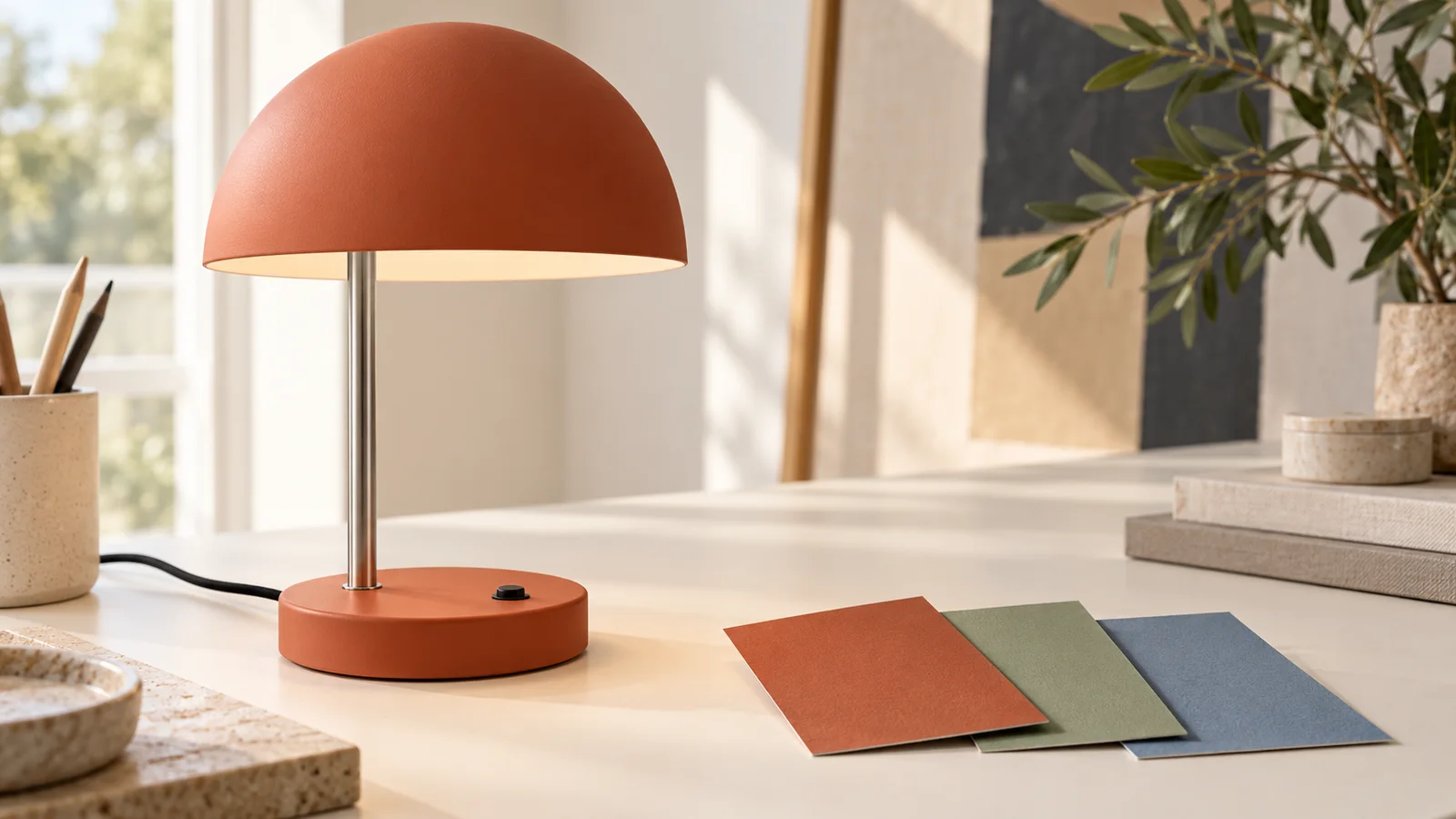
Krea 3 Product Recoloring: Plan Colorways Without Losing Material Detail
Plan selective product recoloring with Krea 3 references, clear part-by-part prompts, colorway records, and checks for material, shape, and color spill.
Read More
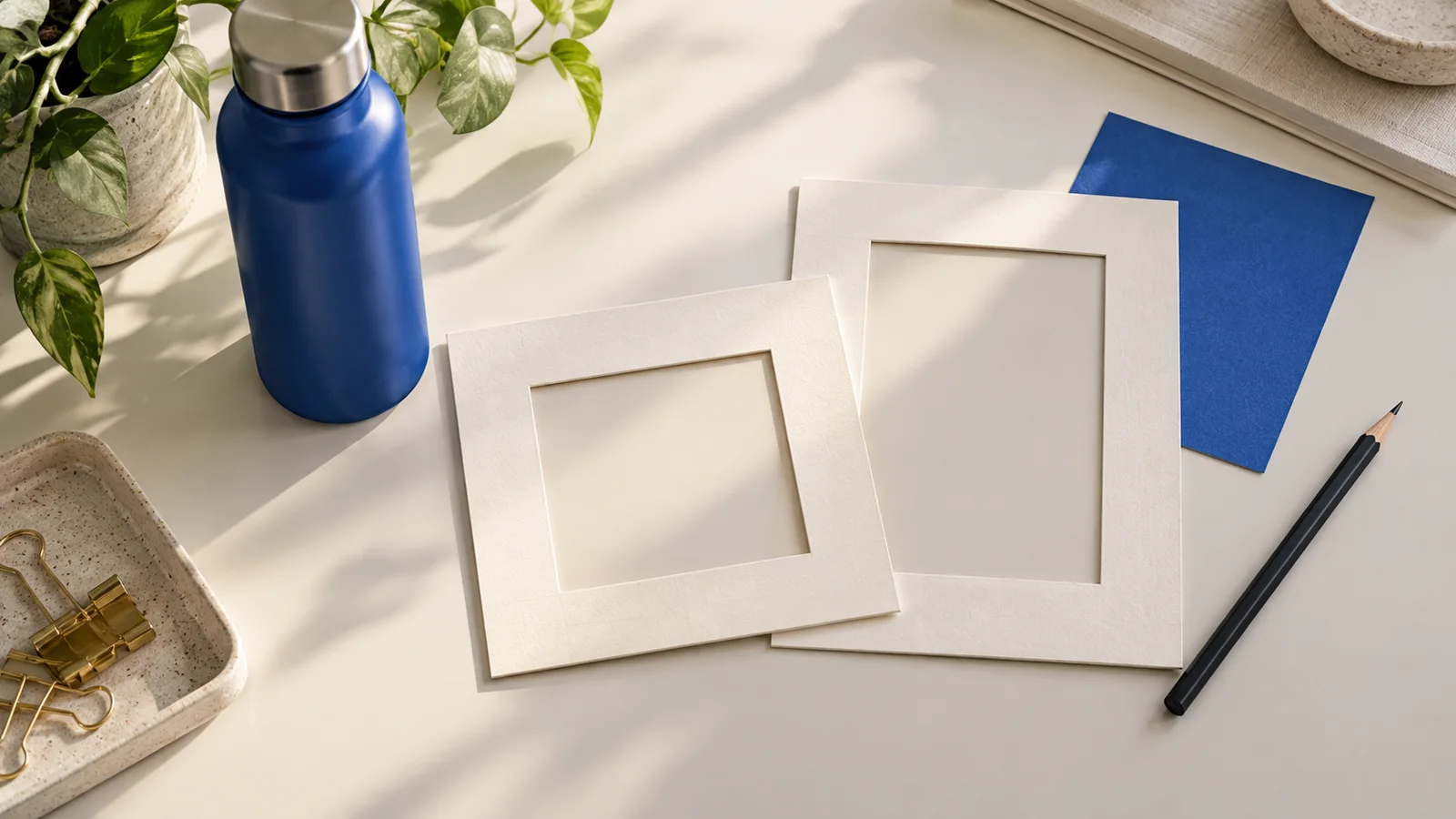
Krea 3 Ad Resizing: Adapt One Visual for Square and Vertical Layouts
Adapt a campaign image into square and vertical layouts with a Krea 3 planning workflow, original prompts, copy-space checks, and a practical review sheet.
Read More
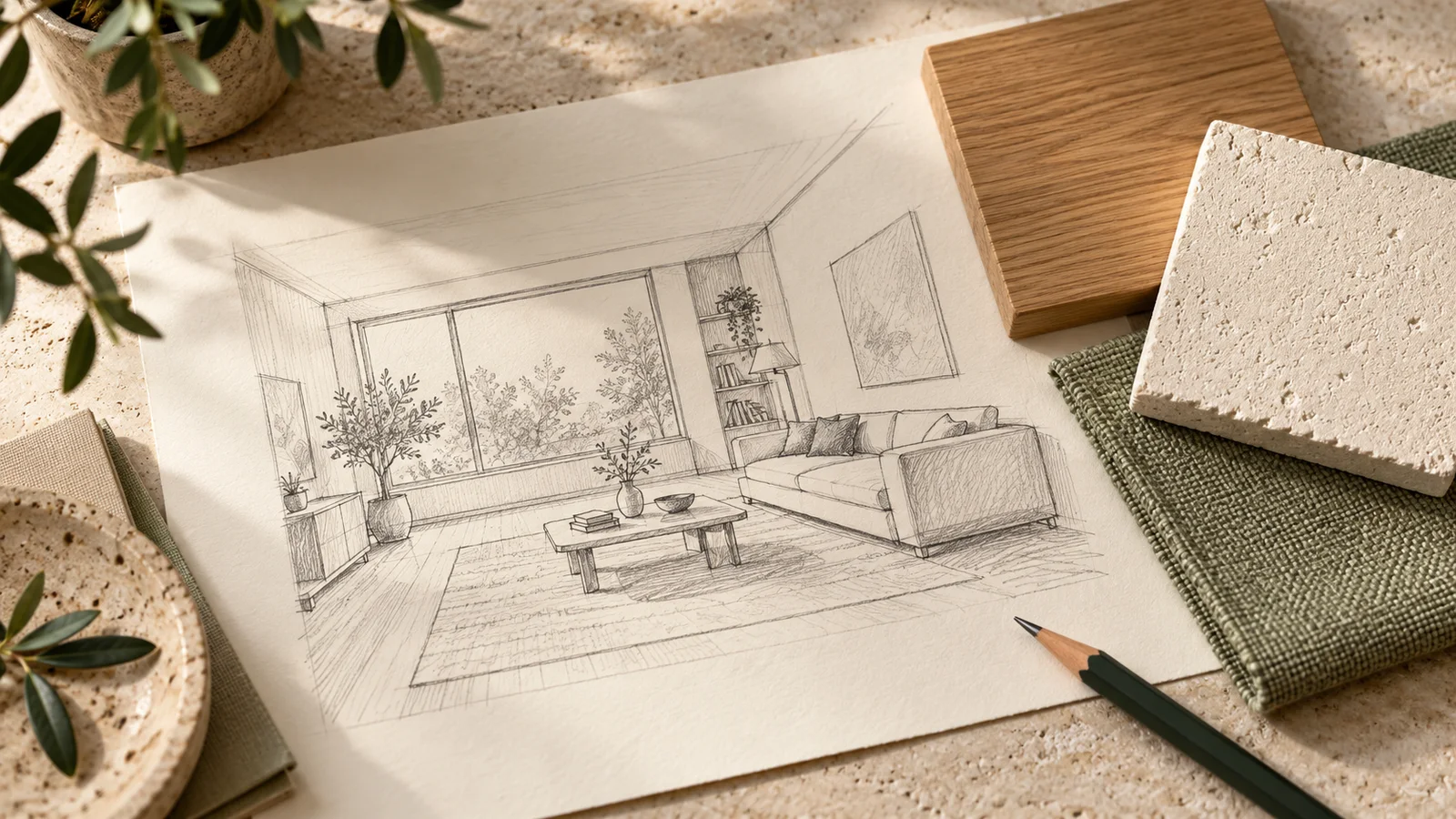
Krea 3 Sketch to Render: Preserve Layout and Define Materials
Plan a Krea 3 sketch-to-render workflow with clear material references, layout constraints, original prompts, and a practical interior review checklist.
Read More
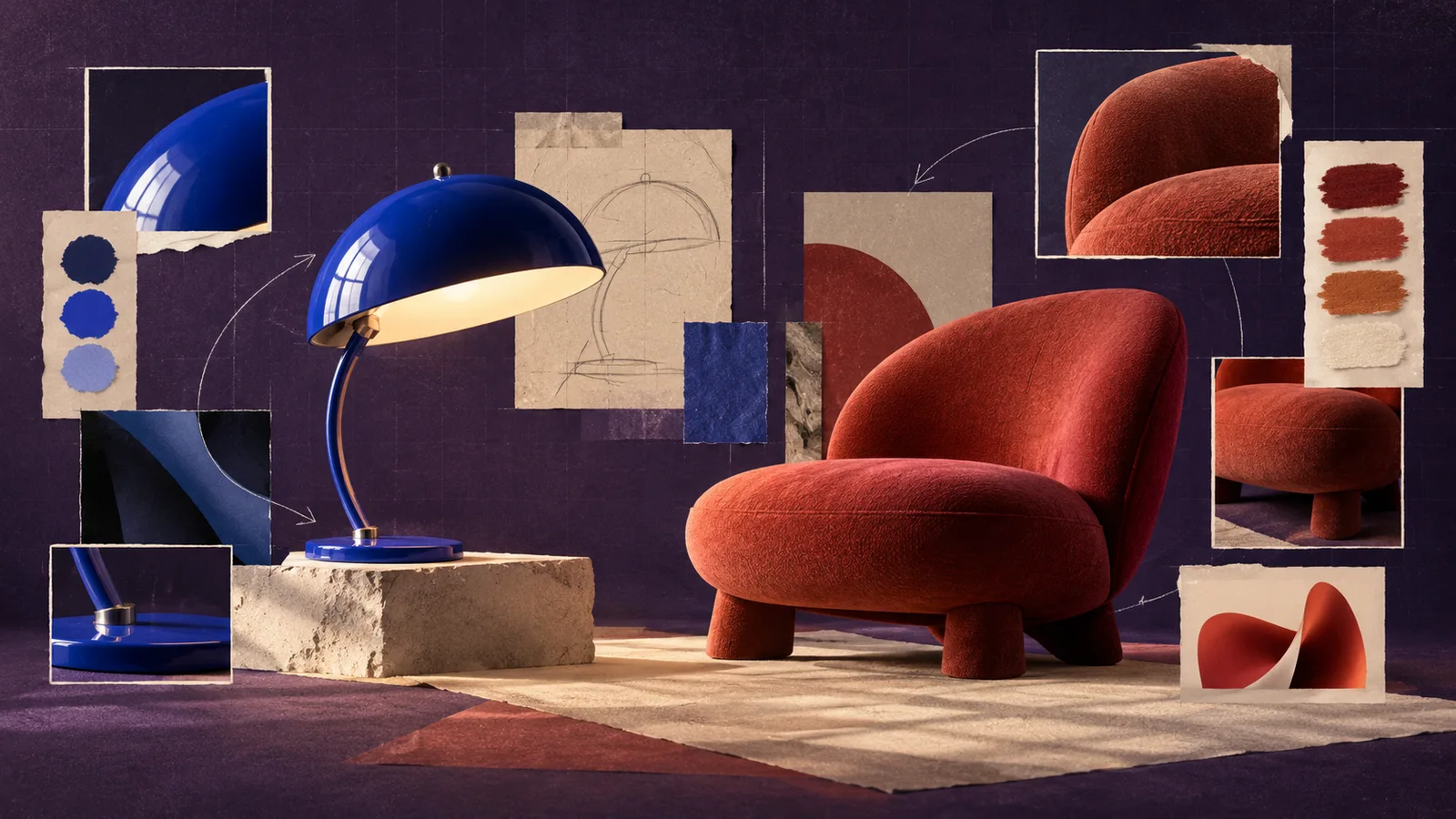
Krea 2 Style Reference Guide: Control the Look Without Losing the Subject
Use Krea 2 style references with clearer roles, controlled strength tests, and practical fixes for content leakage and conflicting visual signals.
Read More
Krea 2 Prompt Troubleshooting: Fix Generic, Over-Styled, and Off-Target Results
Diagnose Krea 2 prompt failures by separating subject, composition, style, and reference problems, then changing one variable per iteration.
Read More
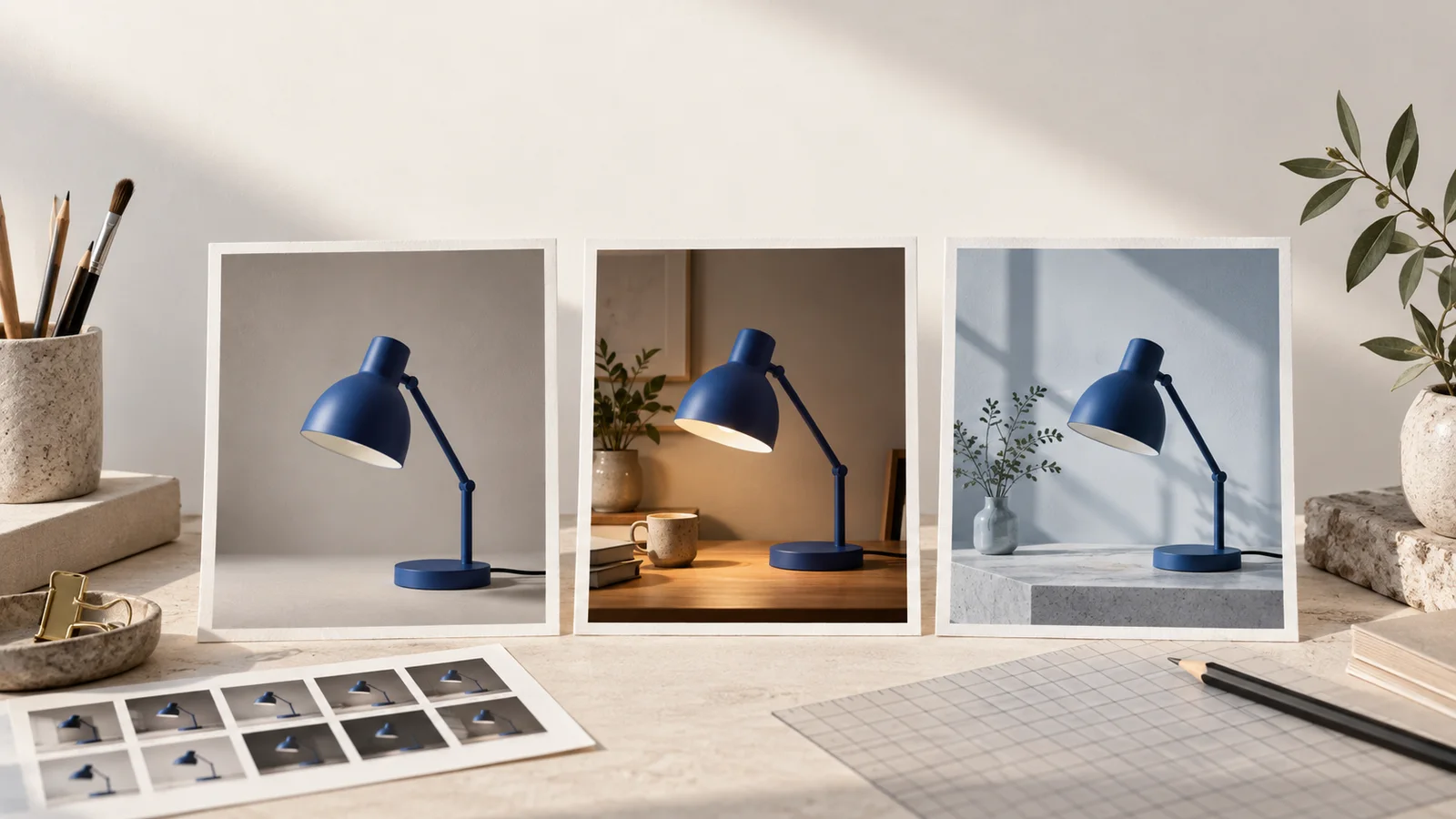
Krea 3 Prompt Guide: What to Change and What to Keep
Write clearer Krea 3 editing prompts with reference-image roles, preservation constraints, concrete changes, and a practical review checklist.
Read More
Consistent Characters with Krea 3: A Reference-Image Workflow
Plan consistent characters with Krea 3 using identity and outfit references, a three-shot sequence, and checks for facial and clothing drift.
Read More
Krea 3 Product Backgrounds and Lighting: An Editing Workflow
Plan Krea 3 product background and lighting edits, preserve a clear source, and check bottle shape, labels, reflections, and contact shadows.
Read More